

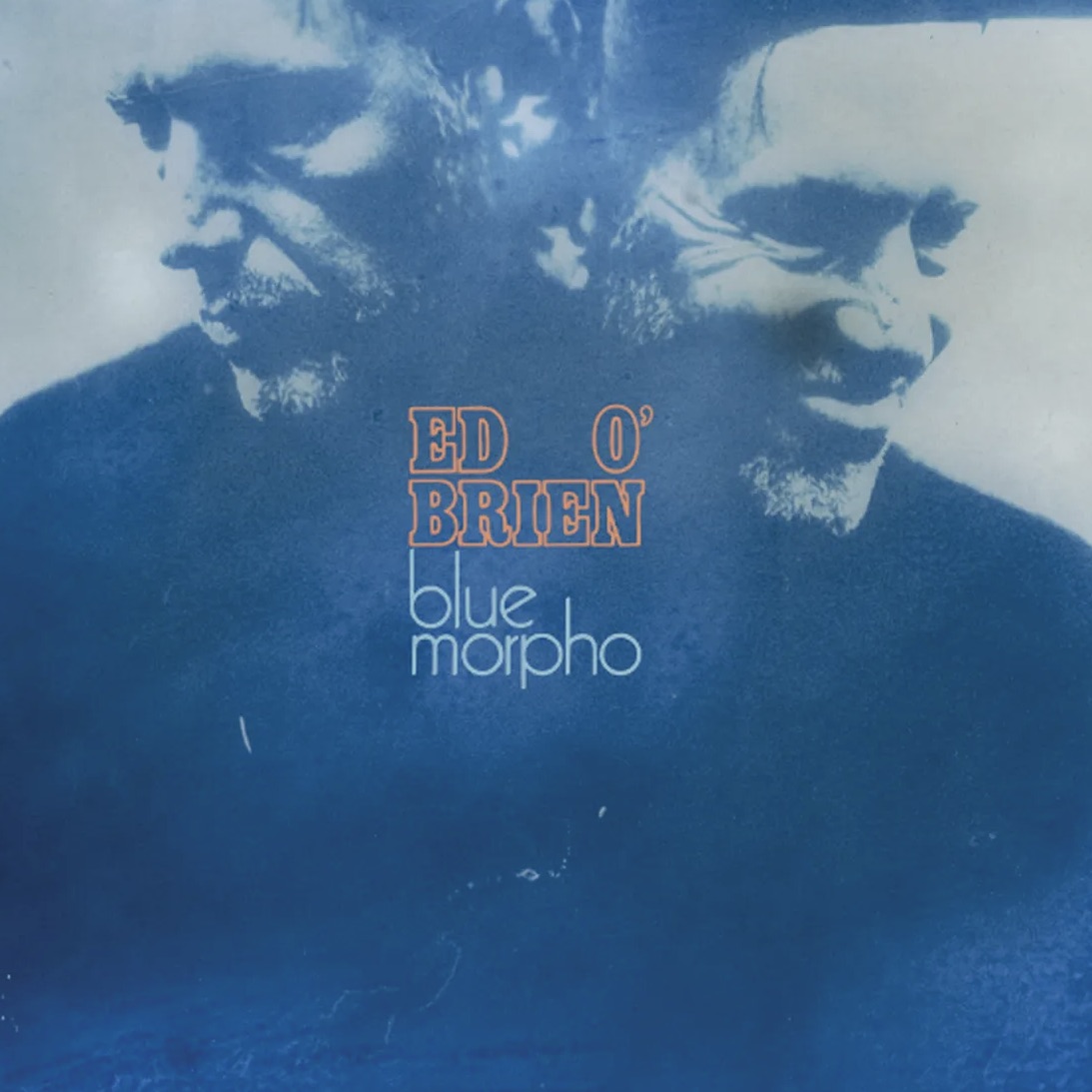
What begins as a simple acoustic guitar track reminiscent of Nick Drake quickly morphs (unavoidable pun) into a world that let's the listener...
Lots of laptops use an accelerometer to detect that the computer is falling. When that happens, the computer parks the hard drive heads to prevent them from bouncing on the HD platter. Apple calls this the Sudden Motion Sensor. On Thinkpads it's the Active Protection System. Other laptops have similar features.
The problem is that loud sound can trigger the accelerometer and park your hard drive heads. For audio work, especially during takes, this is very bad: when the drive is parked, you can't write to it, and when you can't write to disk, you can't keep recording. On Pro Tools you'll get an -9073 error; on Cubase and Nuendo you'll get a dialog that says "Recording Error: Too many tracks recording."

I figured this out after years of frustration -- I often track with a laptop in the same room as hundreds of watts of angry tube amps, and during those sessions I had repeated, mysterious problems with Cubase dropping out of record. Learn from my pain: At a bare minimum, disable the motion sensor for any tracking work.
On a Mac, disabling the Sudden Motion Sensor is easy:
Start Terminal (in /Applications/Utilities) Type sudo pmset -a sms 0 and hit enter Enter your administrator password
Then to re-enable: sudo pmset -a sms 1
I'm still doing some testing to confirm that this solves my problem, so please report back if you try it!
Here's the last time I got bit. My laptop was three feet in front of the Marshall cab.
(There's a longer version of this post on my personal blog.)
Tape Op is a bi-monthly magazine devoted to the art of record making.
Or Learn More
MORE ENTRIES
BLOG
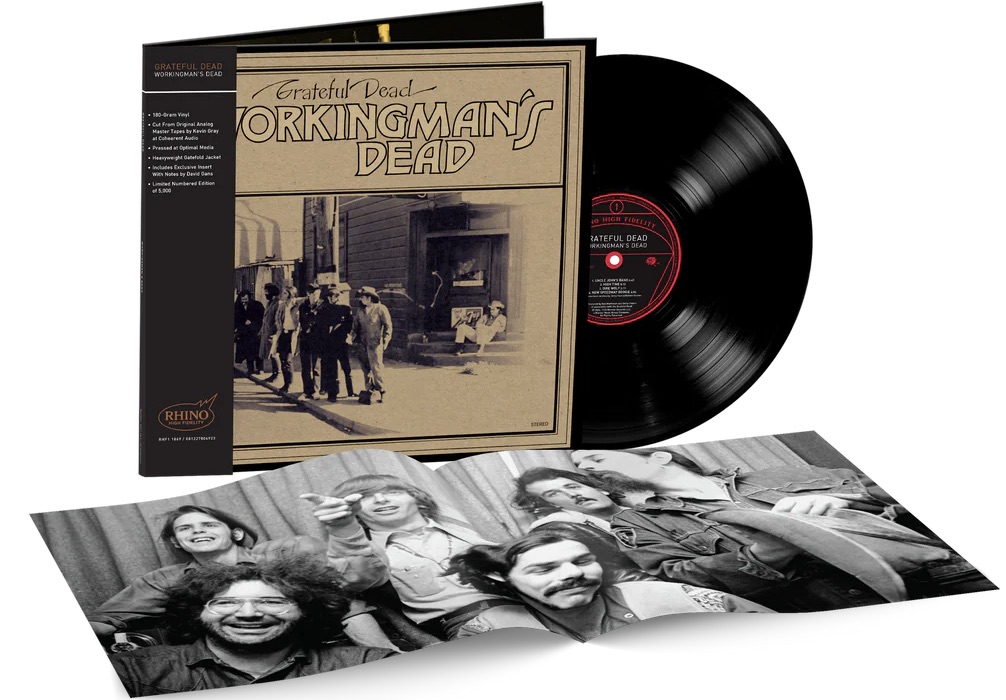
Grateful Dead: Workingman's Dead High-Fidelity Reissue
May 29, 2026
My vinyl copy of the Grateful Dead's classic Workingman's Dead is a little hammered. I think I bought it at a garage sale about 30 years...
BLOG
Miles '56: The Prestige Years Box Set
By Geoff Stanfield
May 28, 2026
1956 was a pivotal year in the music of Miles Davis. It consolidated his "First Great Quintet" which included Red Garland, Philly Joe Jones,...

BLOG
New Music From Moses Sumney: Is God Is
By Geoff Stanfield
May 23, 2026
Moses Sumney, interviewed in Tape Op#125, has new music out in the form of a collaboration with composer Joseph Shirley (The Mandalorian, The Book of...
BLOG
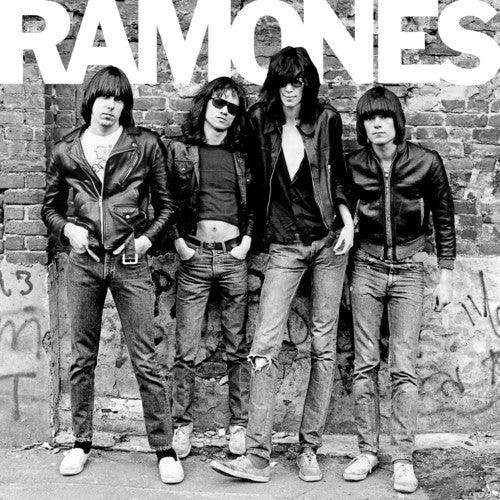
Ramones First Album Turns 50
By Geoff Stanfield
May 21, 2026
Wait, what??? The Ramones first album just turned 50! A record made by four young men from the Forest Hills neighborhood in Queens, NY, has gone on to...
BLOG
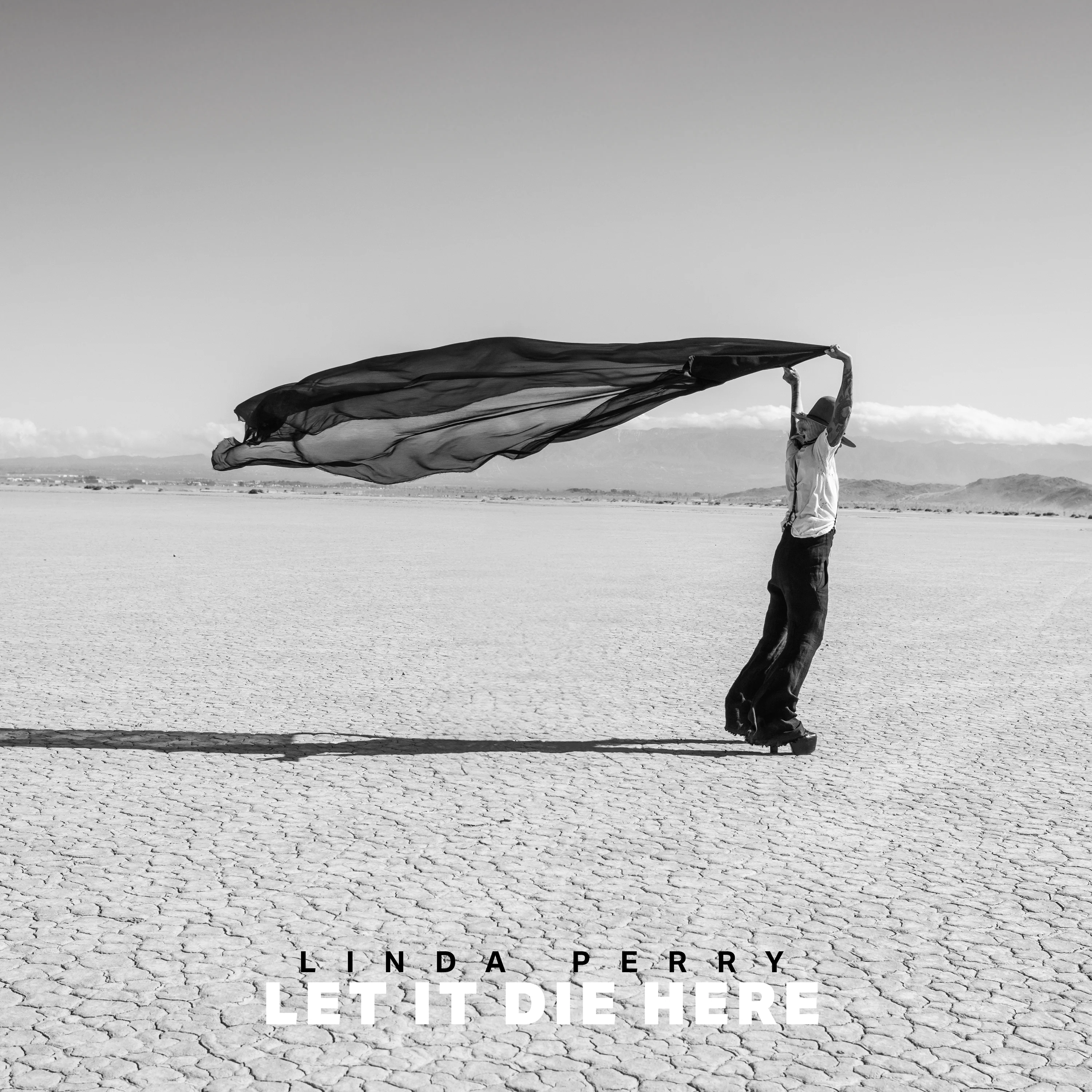
Linda Perry: Let It Die Here (album)
By Dawn Landes
May 20, 2026
Linda Perry’s last solo album came out in 1999. In the 27 years since then she has become one of the most successful producers for other artists,...
BLOG
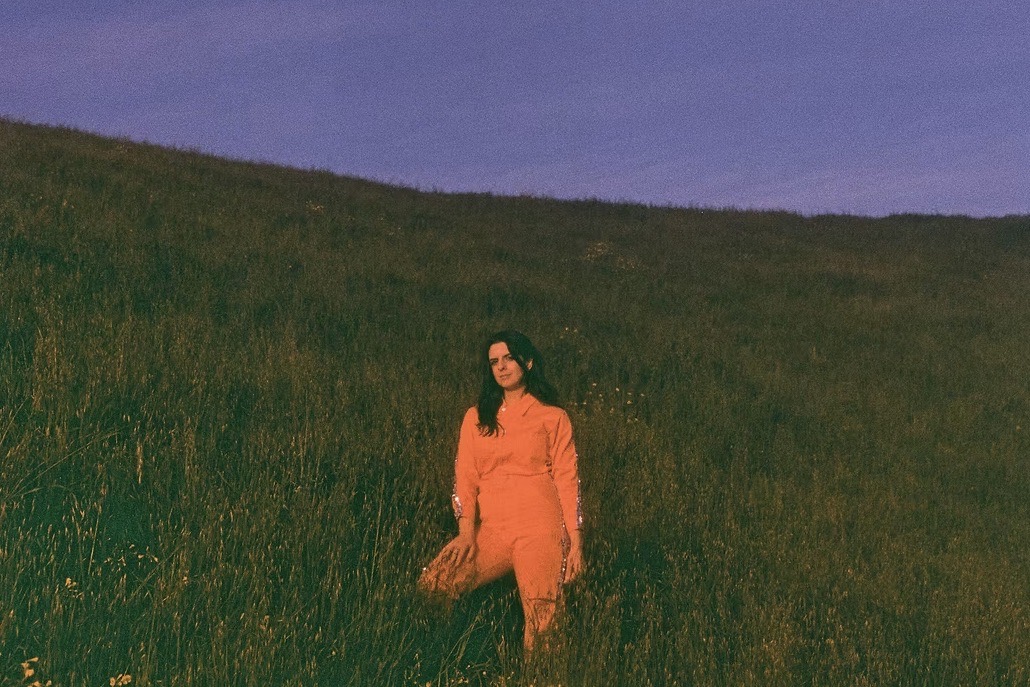
Two New Songs and Videos from Spacemoth
By John Baccigaluppi
May 16, 2026
We interviewed engineer/producer/artist Maryam Qudus about her Spacemoth project back in Tape Op#148. Spacemoth has a new LP that is releasing on...

BLOG
Harry Styles Live From Funkhaus
May 5, 2026
Tape Op publisher John Baccigaluppi came across this beautifully shot, long-form video of Harry Styles live in session at Berlin's Funkhaus...
BLOG
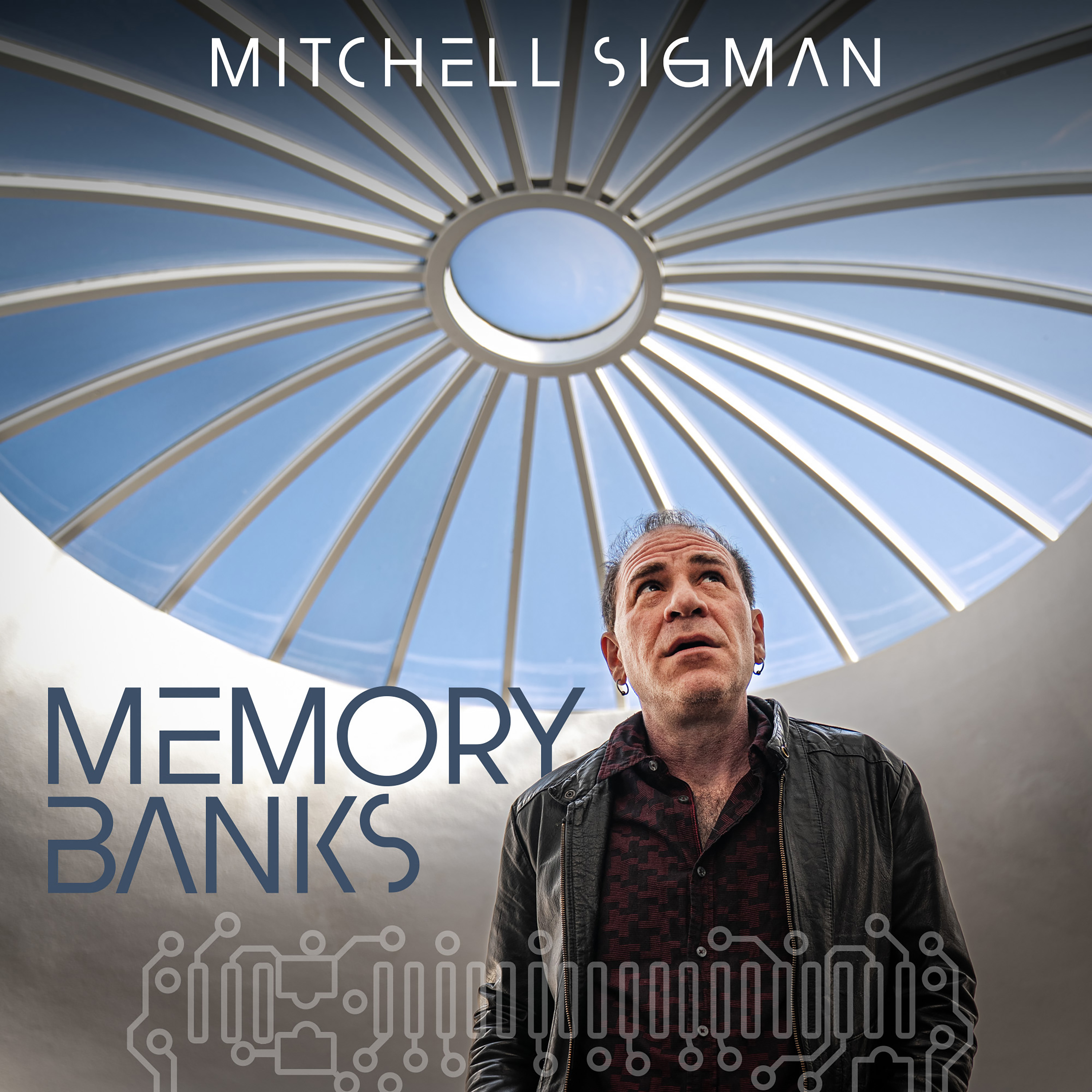
Mitchell Sigman releases "Memory Banks" LP
By Larry Crane - editor
May 3, 2026
By Mitchell Sigman's own description: "Memory Banks is an all-original love letter celebrating the futuristic musical visions of ELO,...